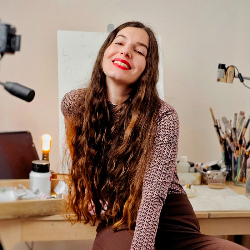
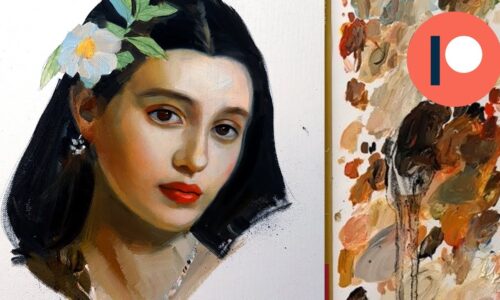
Here comes your painting tutorial for May! This is the first part of this video lesson in which you will paint the 1st layer. The 2nd layer will be your tutorial for next month! So stay tuned for that! 😋
For this portrait I used an app called Prequel which works with an AI. You can turn any photo into different styles of artworks like comic art for example OR a renaissance painting! I recently discovered it and found it so fascinating especially as a tool for artists! I used a regular photo and the app turned it into a renaissance painting! It’s like a master study but it is an original ai created photo! I absolutely loved it and decided to use it as a reference for my next painting tutorial! I uploaded both reference photos for you to choose your favourite from, the original and the AI one! 😋 (Also do AI tools freak you out or do you think they are fascinating? I love when things do the work for me so I am only a bit freaked out by them lol 😅 )
Video Length: 2 h 10 min
Painting Size: 24 x 32 cm Fabriano Oil Painting Paper
Materials:
W&N Safflower Oil
W&N Liquin Original
Tracing Paper (Amzn US / DE): [Available for Members] / [Available for Members]
Oil Paints from Schmincke and Rembrandt
Transparent Oxide Red, Yellow Ochre, Ivory Black, Lemon Yellow, Cadmium Red Light, Ultramarine Blue, Titanium White, Olive Green
The finished Painting (1st layer):
The Sketch:

My Reference:
Curriculum
- 1 Section
- 1 Lesson
- Lifetime
Instructor