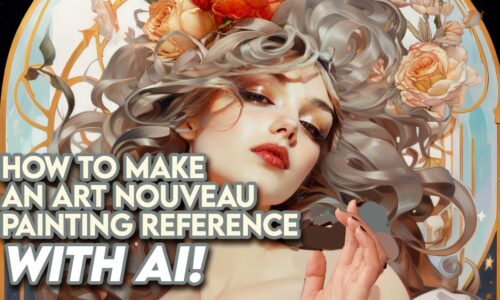
If you haven’t worked with Midjourney or Get Image Ai before I recommend you watch my Tutorial about the basics first before you watch this Video: [Available for Members]
For your November Patreon Tutorial reward, I decided to make a part of my “Paint Like The Greats: Art Nouveau & Alphonse Mucha 4-Week Course” available for you guys! I do these courses 3 times a year and normally the content is only available for my course students – but I decided to make this video available for as many of my students as possible because these apps have changed quite a bit since I created these tutorials. So before they get redundant I want to share these valuable resources with a wider audience to ensure that everyone can benefit from these techniques and tools! 😊
Some of the interfaces have changed a bit, especially for Getimg.ai but they have still the same functions, they might just have a slightly different location on the interface now. This is something we need to embrace as modern human beings 😅 – tech evolves continuously and it’s important to stay somewhat up to date in your area of profession. For me it’s important to know how to do references so I try to stay up to date in that region (Ai programs, Image Editors like Photoshop etc) This way I don’t get overwhelmed with all the new innovations, but it can be a bit scary I admit!😅🙈 However It’s all douable and it’s not so difficult like it looks, you can do it! 😁💪
Below are the photos I used when I did the AI reference, you can download them and experiment with them yourself! Have fun!! 😋
I often use my own paintings when creating references to make the AI generated rt look more like my own style:
Curriculum
- 1 Section
- 1 Lesson
- Lifetime
Instructor