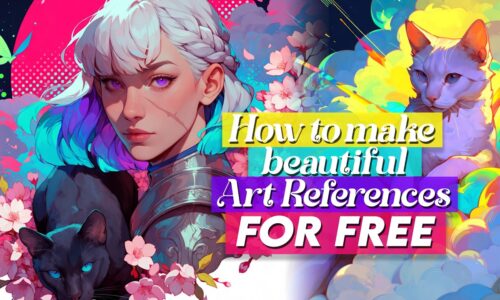
In this tutorial I show you how I generate and edit AI reference images completely for free, right on my own PC – no subscriptions, no credits, just my laptop and its graphics card. 🌸 I walk you through setting up Pinokio and Forge Neo, where to find checkpoints and LoRAs on Civitai, which ones actually run on a smaller 4GB card, and how to tell the two apart so you don’t waste a download on something that won’t work. Then comes the part I actually love: taking a generated image into the image-to-image and inpainting tabs to fix the small things – a hand with too many fingers, a face, a dress – and running the whole painting through different models like Epic Realism XL, Juggernaut and Anima to push the style until it looks the way I want. It’s a lot of back and forth and experimenting, and I mostly use it to build references for my own paintings, often together with Midjourney. It got long, but I wanted to explain everything properly, even if you’re not a tech person! Hope you enjoy it! ❤️😄
Info: This Tutorial is perfect in conjuction with my Midjourney Tutorial: [Available for Members] ! Since GetImg. Ai doesn’t work anymore I now use Forge Neo to edit my references! 🥰
Resources:
The app you need to run Forge Neo: [Available for Members]
Where to find models & chepoints: [Available for Members]
Epic Realism XL Checkpoint: [Available for Members]
Juggernaut Checkpoint: [Available for Members]
Anima Checkpoint: [Available for Members]
Arcane Violet Lora: [Available for Members]
Curriculum
- 1 Section
- 1 Lesson
- Lifetime
Instructor