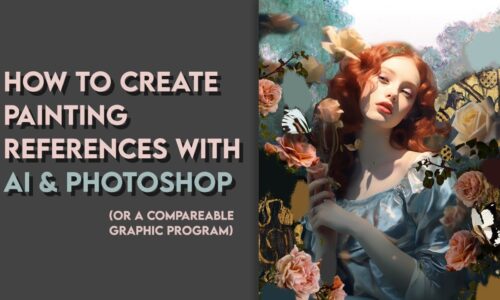
Hey everyone, I’m super excited to share this tutorial with you as your October Painting Reward! 🥰This was originally an exclusive bonus video from my 4-week painting course, which I run once or twice a year. Until now, it’s only been available to my course students, but I’ve decided to make it available to you because the technology keeps changing so fast. I wanted to show you this video before the programs evolve again so you can stay up to date, learn something new, and create your own references.
At the beginning of the video, you’ll see Midjourney’s interface (the white, social media-like view). They now have a new feature that allows you to create your references right in that interface. In the video, I show the original way to work with Midjournrey, but you can also use the new, simpler way! The basic techniques of how I merge artworks and find prompts, though, stay the same! 🥰
Hope you enjoy it!✏️
Here are the most important commands and prompts for Midjourney (the classic way to use it):
/Imagine
/settings
/describe
–ar 3:4 (to change aspect ratio of the image)
Midjourney platform: [Available for Members]
[Available for Members]: [Available for Members]
Curriculum
- 1 Section
- 1 Lesson
- Lifetime
Instructor